Handling Client Files
The browser does not allow BBj to access files on the client's computer directly. Instead, you have to download files to the client like you would do from a website. For uploading, a similar process is necessary, which includes the manual select of a file followed by a manual confirmation by the user. The reason for this is security. The BASIS Documentation includes a chapter on working with client files in BUI, which also applies in most aspects to the DWC.
Uploading Files to the Server
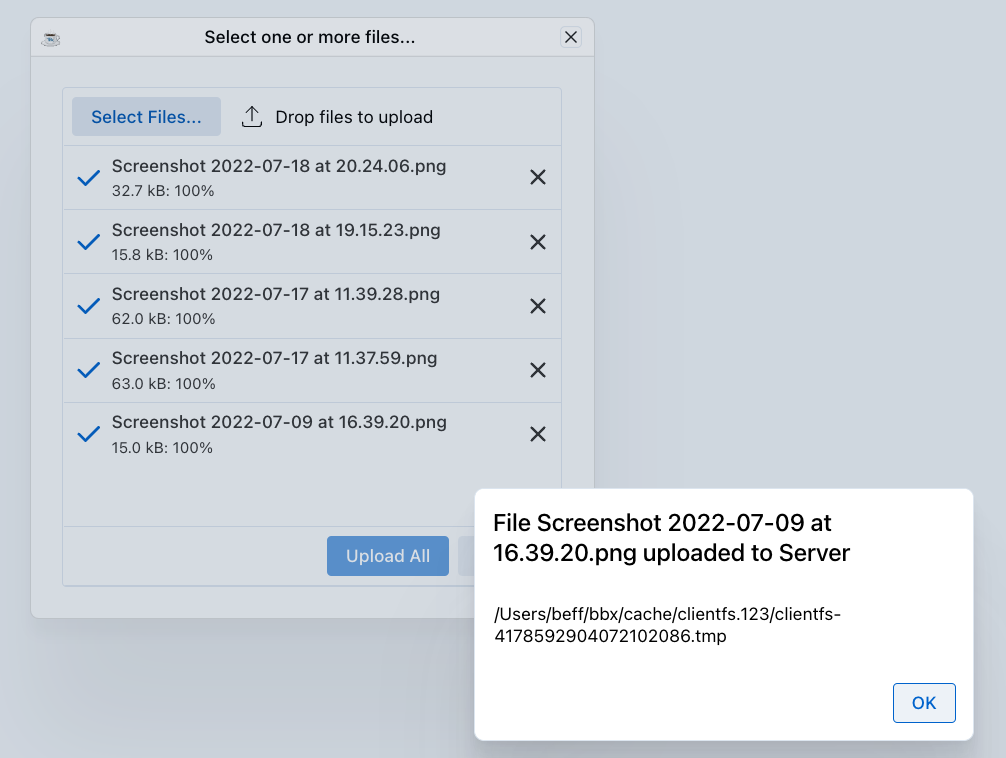
The BBjFileChooser control can be used to select client files, or allow the user to add them by Drag&Drop. The BBjFileChooserUpload sample demonstrated how to setup the BBjFileChoser to allow uploading one or multiple files, and showing a drop zone:
File Downloads
Much simpler compared to uploading is downloading a file. The copyToClient() Method of BBjClientFilesystem does a simple download in BUI and DWC, as shown in DownloadingAFile.bbj.