Printing and Print Preview in the Client
As a browser does not have direct access to local printers in the client, the typical way of printing from modern browser applications would be through a PDF document that can be displayed in the browser's preview. From there, the browser will allow the user to print the document on the printer of choice.
For SysPrint, BBj automatically goes that way. The following snippet will create a sysprint output and show it in the browser (for BUI and DWC), even though the program did not specify "PREVIEW":
lp = unt
open (lp,mode="PDF")"LP"
print (lp)"HELLO"
close (lp)
From the browser, the user can view and also print the document.
As a general solution, all BBj printing capabilities - Jasper, SysPrint and BBjPrinter - can create PDF documents on the server. Once you have the document on the server, the BBjDocViewer Plug-In can be used to show it in a similar preview in the client:
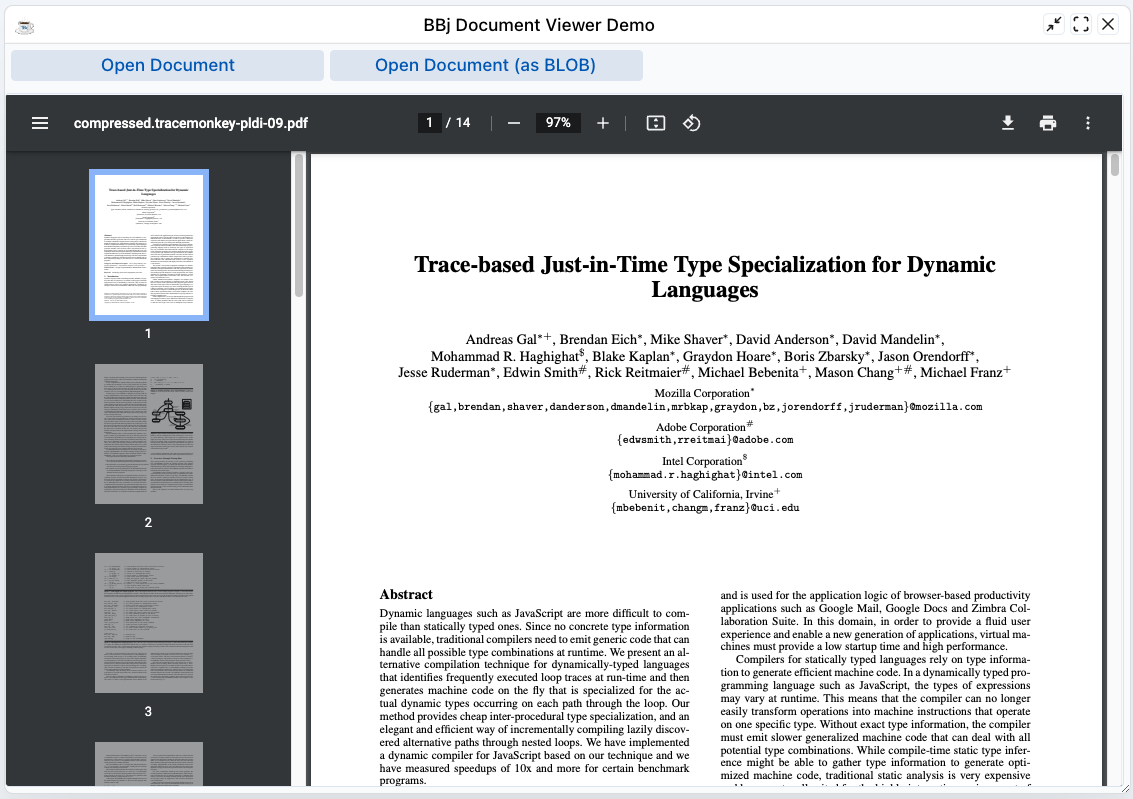
You can install the BBjDocViewer using the Plugin Manager, and inspect its demo.bbj for further information how to use it.
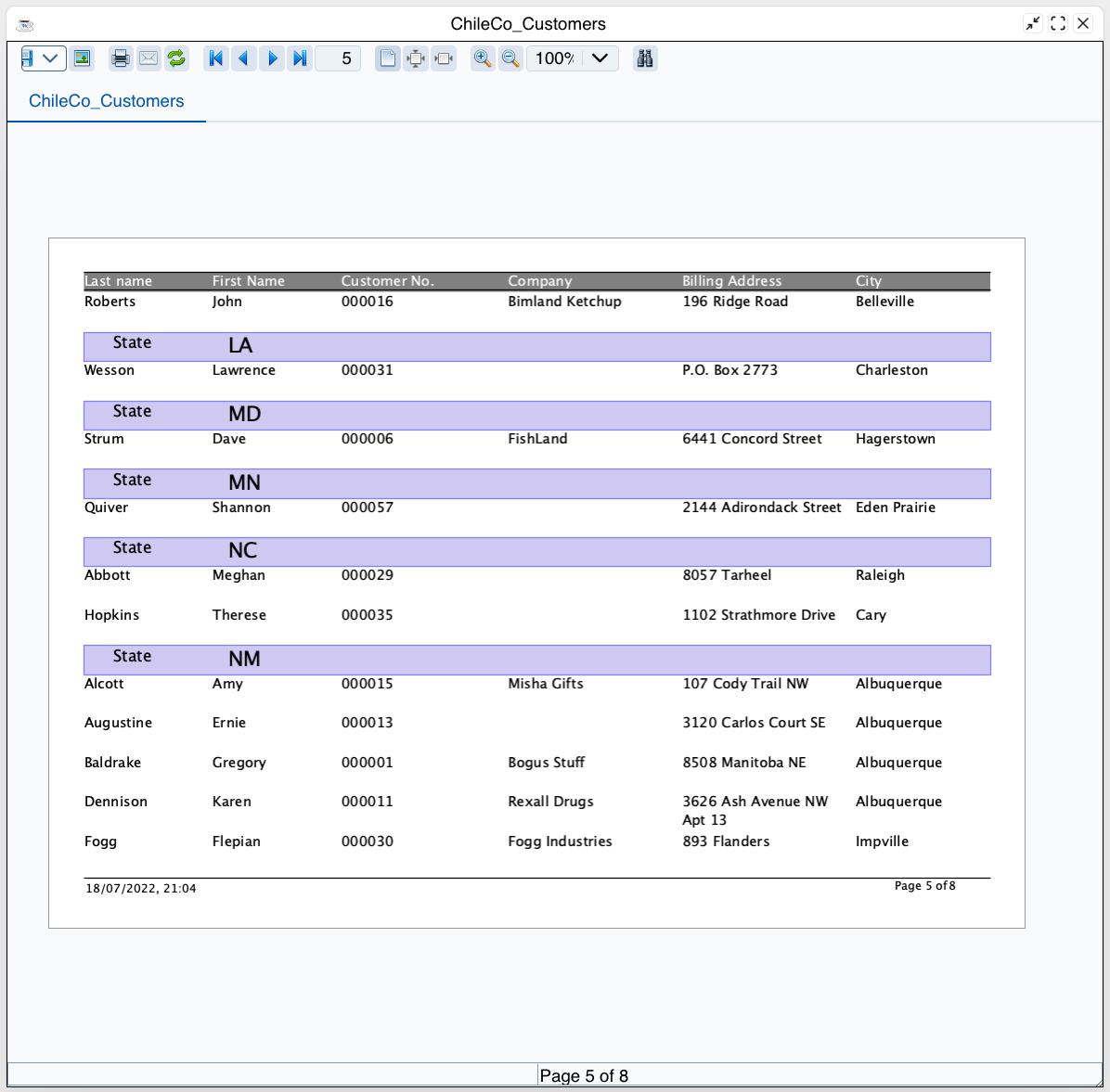
BBJasper Print Preview
The BBJasper Print Preview works with the known features also in DWC:
Last modified: Monday, 18 July 2022, 9:11 PM